How do I amend the dates of a booking?
Watch this walk-through video to see how to amend the dates of a booking on Staze.
- Go to your bookings page - https://staze.com/?bookings=upcoming
- Click into the booking you'd like to amend by clicking 'View Booking'
- Click 'Change Booking'
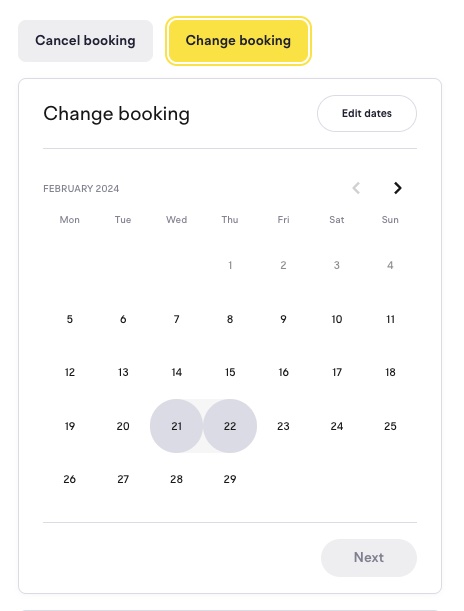
- Select your new dates
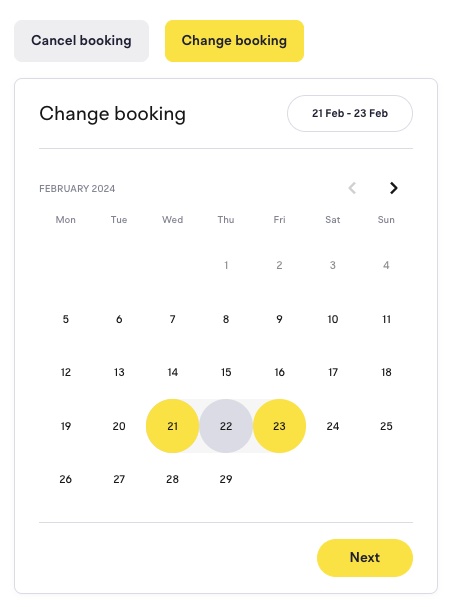
- Finish the checkout flow
Note: On some amendment types, you may be required to cancel your original booking. If that is the case, you will be informed during the checkout flow.
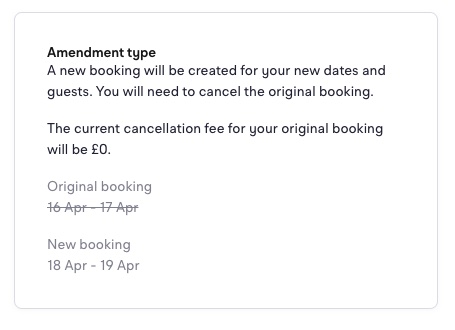
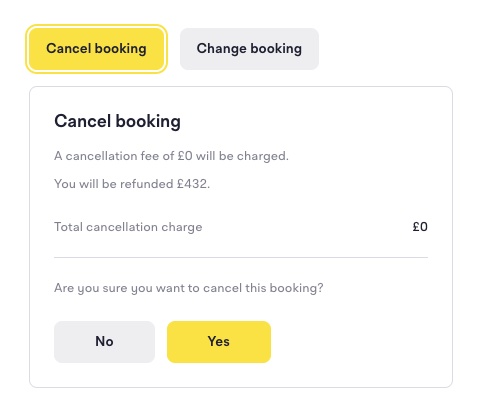
You can cancel the original booking by clicking the 'Cancel booking' button on your original booking.