How do I book a transfer?

Watch this walk-through video to see how to book a transfer on Staze.

  1. Click 'Book a transfer' from your home page.

Banner reading You can now book transfers with Staze, with a Book a transfer button

  1. Enter the details of your trip, then click 'Search'
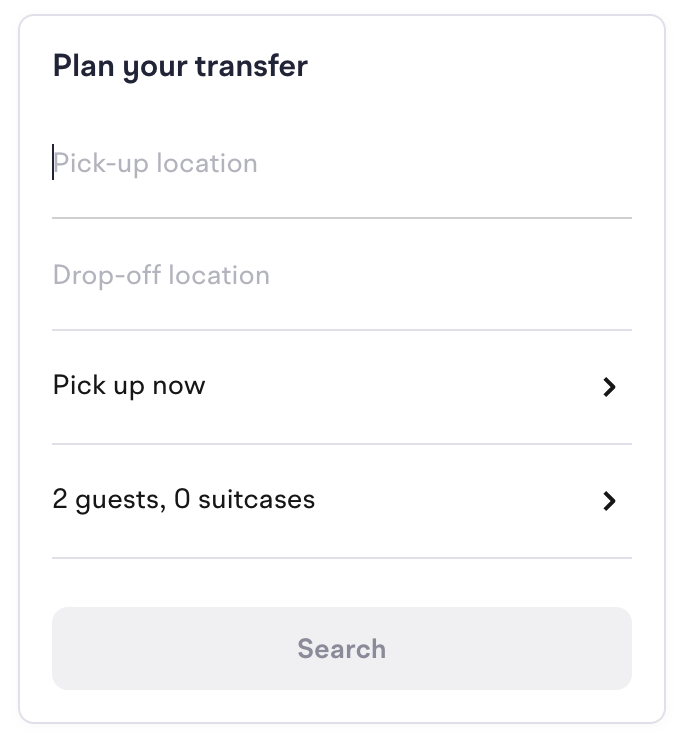
Plan your transfer form with pick-up location, drop-off location, pick-up time, guests and suitcases, and a Search button

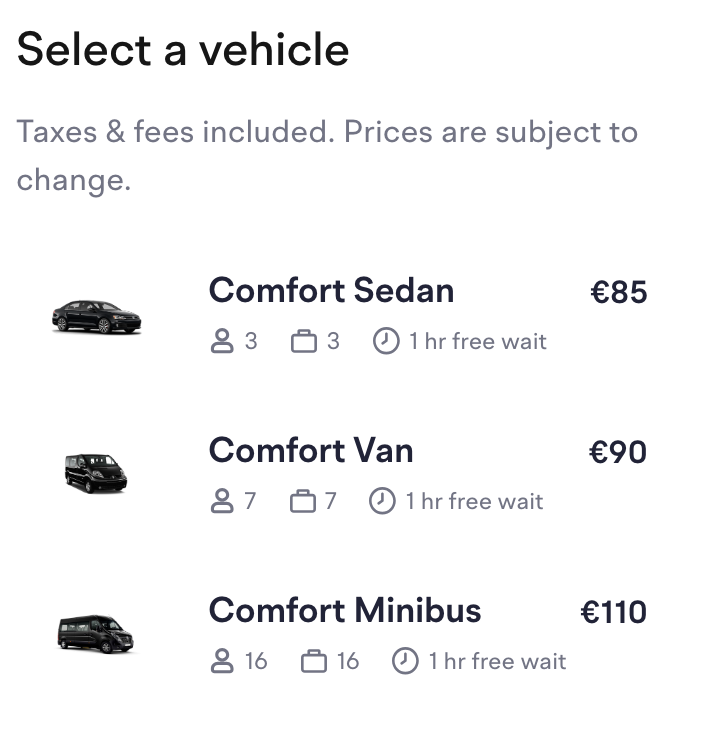
  1. Select your vehicle

Select a vehicle list showing Comfort Sedan, Comfort Van and Comfort Minibus with passenger and luggage capacity, one hour free wait, and the price

  1. Enter primary guest, details & company notes
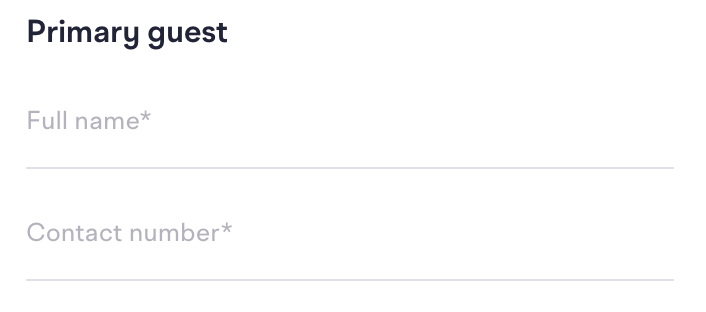
Primary guest form with Full name and Contact number fields

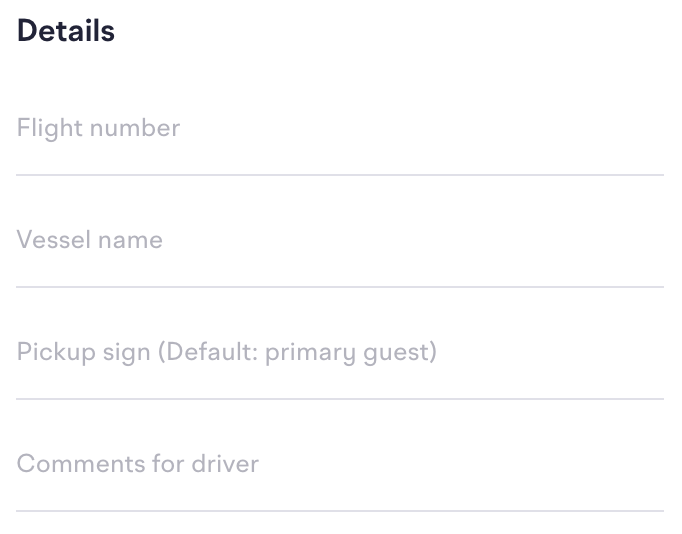
Details form with Flight number, Vessel name, Pickup sign and Comments for driver fields

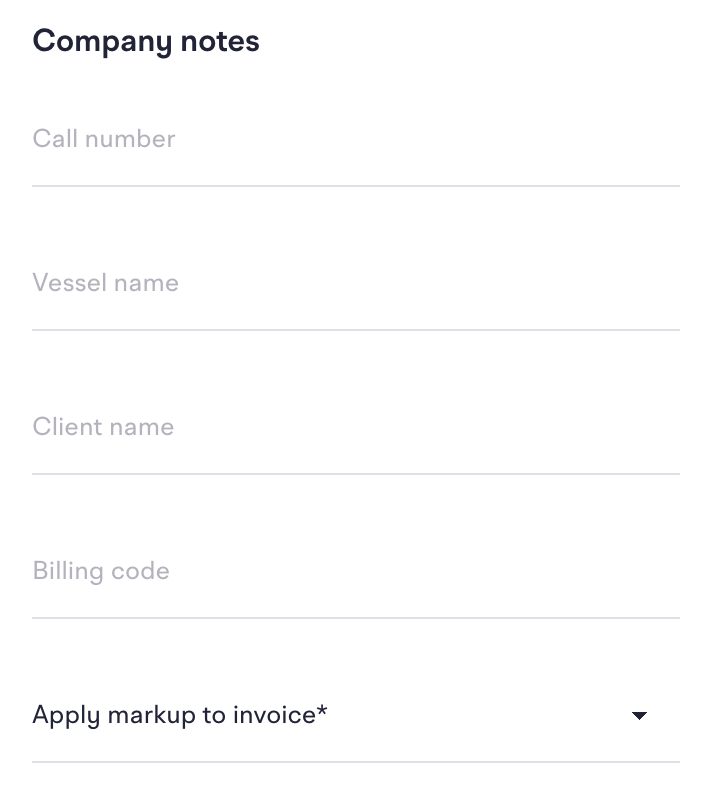
Company notes form with Call number, Vessel name, Client name, Billing code and Apply markup to invoice fields

  1. Click the yellow button to book!

Book transfer with your company account button